⚒️ Manage rosters & more
Here is what you'll find on this page:
Clear or delete a roster
The command
/roster delete
The parameters
- roster: name of the roster
- type : Choose between Clear Members so you can reuse the roster or Delete roster to delete completely the roster
A roster that have been deleted can't be recover so be careful
Roster refresh
The command
/roster refresh refresh data displayed in the roster
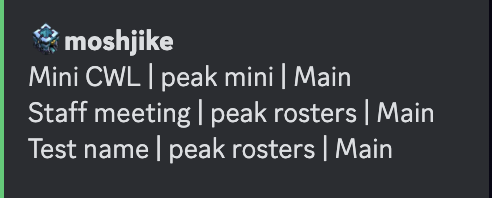
List the rosters
Show a list of every rosters active on the server.
.png)
The command
Use /roster list
Roster roles
Roster roles are a great utility and do exactly as you expect, give a role to all people in a roster. You can assign a role to a roster by doing /roster role {roster} {role}. Note the role must be created beforehand.
If the roles haven't updated then you can force update them using /roster role-refresh
The command
Use /roster role
The parameters
Required
roster: name of the rosterrole: role you want to set to the players in the roster
Optional
group: only set the role to the players in a specific roleremove_role: If you want to remove the role instead of adding it
Export/Import rosters
Do not fear, you do not have to remake rosters settings for every roster.
The command
/roster copy
The parameters
The command is your friend with the two optional flags::
export_roster: Gives an import code that can be inputted into the{import_code}flag in order to copy over the roster settingsimport_code: gives a field to enter an import code retrieved from{export_roster}
Player search
You are able to search for a list of rosters that a discord user or specific account.
The command
Use /roster search
The parameters
user: Discord username. Displays all the rosters the user is currently in.
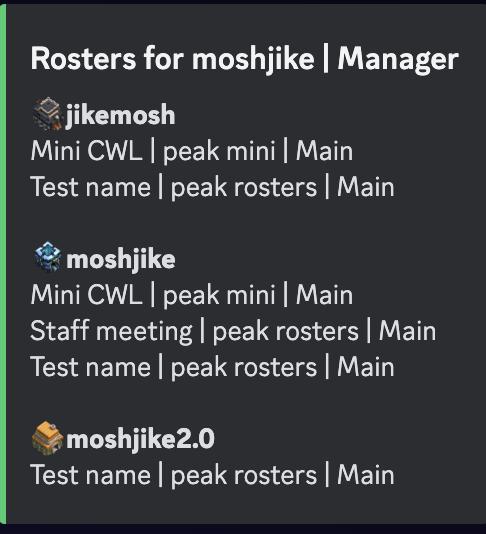
player:Player tag or name. Displays all the rosters the player is currently in.